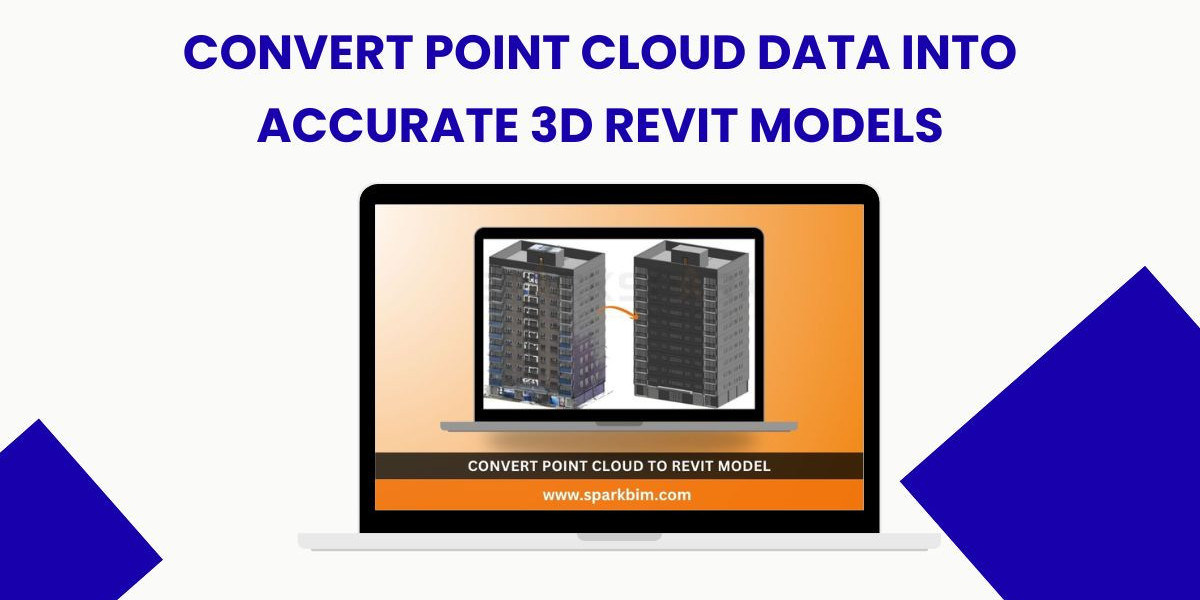

The construction and architectural industry is rapidly adopting digital technologies, and the conversion of point cloud data into accurate 3D Revit models has become a game-changer. As buildings age, undergo renovations, or require documentation, laser scanning is now one of the fastest and most precise ways to capture existing conditions. However, Convert Point Cloud Data into Accurate 3D Revit Models are only valuable when transformed into meaningful building information—this is where Scan to BIM plays a crucial role.
What Is Point Cloud to BIM Conversion?
Point cloud to BIM conversion is the process of transforming millions of data points captured by LiDAR scanners into intelligent 3D Revit models. These models help architects, engineers, and contractors understand existing site conditions with high accuracy. Since point clouds are essentially unstructured data, Revit becomes essential for turning them into usable parametric components such as walls, floors, roofs, columns, beams, and MEP systems.
Why Convert Point Cloud Data into 3D Revit Models?
1. Highly Accurate As-Built Documentation
Traditional site surveys can be time-consuming and prone to measurement errors. Revit models created from point clouds provide exact dimensions and clear visibility of structural and architectural elements. This accuracy is vital for renovation, facility management, and compliance with building regulations.
2. Improved Design Coordination
An accurate as-built Revit model allows designers to detect clashes earlier, reducing costly rework. Coordinating architectural, structural, and MEP systems becomes easier and more efficient when working with a unified BIM model.
3. Enhanced Project Planning
Revit models derived from point clouds help project teams make informed decisions. Contractors benefit from precise quantity take-offs, sequencing, and visualization during pre-construction planning.
4. Time & Cost Savings
Laser scanning speeds up site measurement, while Revit modeling streamlines documentation. The combination significantly reduces project timelines and survey costs.
The Workflow: How Point Cloud Data Becomes a Revit Model
Step 1: Laser Scanning and Point Cloud Capture
High-resolution 3D laser scanners capture the geometry of buildings, structures, or terrains. The output is a dense point cloud in formats like .E57, .RCP, .LAS, or .PTS.
Step 2: Data Cleaning and Registration
Before modeling, the point cloud is cleaned to remove noise, redundant data, and obstructions such as people or vehicles. Various scans are aligned (registered) to create a unified dataset.
Step 3: Importing Point Cloud into Revit
The cleaned point cloud is imported into Revit, where it serves as a reference. Using tools like slicing, clipping, and segmentation, modelers trace elements directly over the scan.
Step 4: Creating the 3D Revit Model
Specialized BIM technicians convert the data manually or semi-automatically into architectural, structural, and MEP elements. Accuracy levels can follow industry standards such as LOD 300, LOD 350, or LOD 400 based on project needs.
Step 5: Quality Checks and Validation
Before delivering the final BIM model, teams verify alignment, geometry accuracy, and completeness. A QA/QC process ensures the model matches the real-world site within required tolerances.
Industries Benefiting from Point Cloud to Revit Modeling
Architecture & Engineering
Construction & Contractors
Facility Management
Heritage & Conservation
Oil & Gas
Infrastructure & Transportation
These sectors rely heavily on precise as-built documentation and efficient renovation workflows.
Conclusion
Converting point cloud data into accurate 3D Revit models is transforming how the AEC industry captures and utilizes building information. Whether for renovation, refurbishment, or facility management, Scan to BIM provides unmatched precision, reduces project risks, and enhances coordination. As technology evolves, adopting this workflow will continue to be a competitive advantage for firms aiming to deliver high-quality, data-rich project output.
If you need assistance with Point Cloud to BIM services, reach out to professionals who specialize in delivering accurate, reliable, and high-quality Revit models.