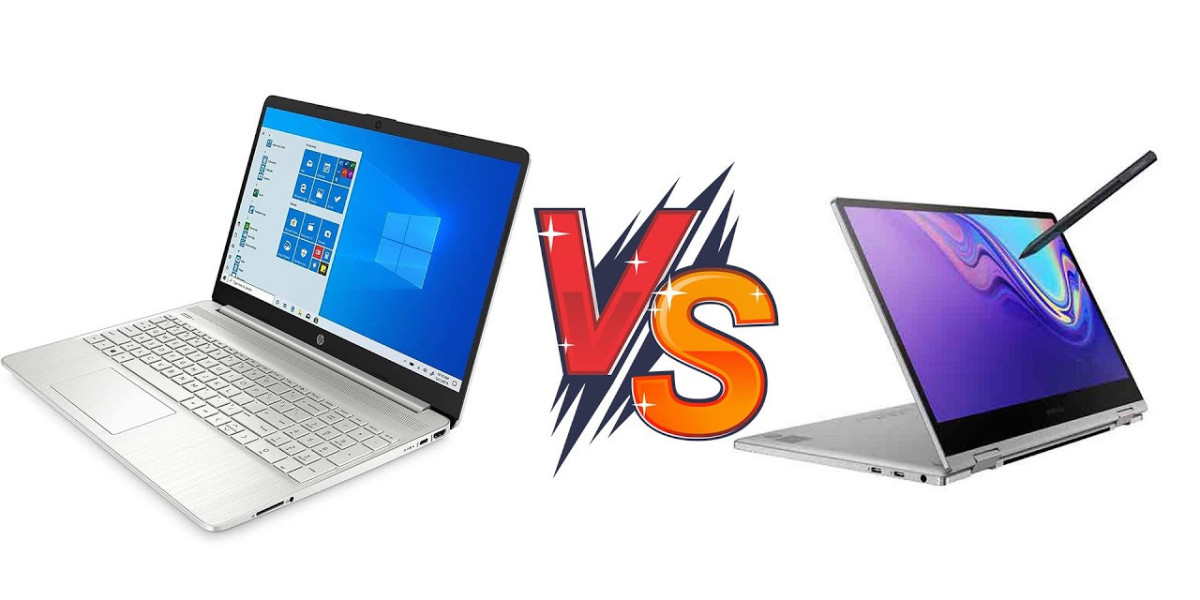

In a world that moves at the speed of notifications, the Notebook remains the most versatile tool you can carry—equal parts office, classroom, studio, and cinema. But “notebook” is a big tent: featherweight ultrabooks, creator workhorses, gaming rigs, and budget-friendly student machines all wear the same label. This guide cuts through the confusion so you can pick the right notebook for what you actually do—today and two upgrades from now.
Step 1: Define Your Real-World Use Case
Before you compare processors or chase discounts, map your top three tasks. Your answers determine everything else.
Students & Everyday Users: Notes, research, 20 browser tabs, video calls, light photo edits. Prioritize battery life, keyboard comfort, and a bright, non-reflective display.
Hybrid Professionals: Office apps, spreadsheets, CRM, constant meetings. Look for robust build quality, privacy features, Thunderbolt/USB4 docking, and fast wake.
Creators (Photo/Video/3D/Audio): Color-accurate screens, high RAM capacity, fast SSDs, and either a powerful iGPU or discrete GPU depending on your software.
Developers & Data Pros: Multi-core CPU performance, 16–32GB RAM minimum, high-res display options, and excellent thermals for sustained loads.
Gamers: High-refresh panels (120–240Hz+), capable GPUs, reliable cooling, and smart power profiles for off-plug use.
Frequent Travelers: Sub-1.3 kg weight, 13–14″ footprint, long battery life, and quiet fans.
Write those three tasks on a sticky note and keep them in view. They’ll protect you from spec FOMO.
Step 2: The Processor—Brains and Endurance
Modern notebook CPUs balance speed with efficiency. A few quick rules:
Everyday/Student: Efficiency-class chips (often “U” series) deliver smooth performance and great battery life.
Power Users/Pros: Step up to performance-class mobile processors (often “P” or “H” series) for sustained workloads.
Workstations/Heavy Creative: Higher-watt “H” chips or workstation-grade options, paired with serious cooling.
Apple Silicon: Excellent performance per watt, great for mobile creatives and developers in that ecosystem.
Choose the latest generation you can afford; architectural jumps often outperform raw clock bumps.
Step 3: Memory—Where Multitasking Happens
8GB: Bare minimum for light, single-app use.
16GB: The sweet spot for most students and professionals.
32GB+: Recommended for creators, developers, data analysts, or anyone who runs VMs and heavy browser stacks.
If RAM is soldered, buy what you’ll need for the next 3–4 years today.
Step 4: Storage—Speed You Can Feel
512GB SSD: Comfortable baseline for apps and documents.
1TB–2TB SSD: Better for large media libraries, video work, or big datasets.
External NVMe (USB-C/Thunderbolt): Great for scratch disks, backups, and project shuttling.
Prefer PCIe NVMe SSDs and keep 15–20% free space for best performance.
Step 5: Displays—Eyes First, Always
Three levers matter most: size, resolution, and panel quality.
Size:
13–14″ = ultra-portable.
15–16″ = balanced productivity.
17″ = desktop replacement.
Resolution:
FHD (1920×1080) is fine;
QHD+ (≈2560×1600) is a sharper sweet spot;
4K shines for pixel-critical creative work (with battery trade-offs).
Refresh Rate:
60–90Hz for general use;
120–240Hz+ for gaming and ultra-smooth scrolling.
Panel Type:
IPS for accuracy and consistency,
OLED for deep blacks and vivid color,
Mini-LED for brightness and HDR punch.
Creators: look for factory calibration and high color-gamut coverage (sRGB 100%, DCI-P3/AdobeRGB when needed).
Step 6: Graphics—Integrated vs. Dedicated
Integrated GPUs today are surprisingly capable for office apps, UI design, and light media work.
Dedicated GPUs accelerate 3D, advanced video effects, and AAA gaming. Match GPU choice to your software (many editors leverage CUDA/Metal/DirectX for faster exports).
Remember: a well-cooled midrange GPU often outperforms a poorly cooled flagship in real workloads.
Step 7: Battery Life & Charging—Freedom to Move
Ultrabooks: expect 8–12 hours with mixed use.
Performance notebooks: 4–7 hours, depending on workload.
Fast charging (≈50% in 30–45 minutes) is a quality-of-life upgrade.
USB-C Power Delivery lets you travel with a single compact GaN charger for phone and notebook.
Step 8: Inputs & Presence—The Human Interface
Keyboard: Key travel, layout, and firmness matter more than you think—especially if you type for hours. Backlighting is essential.
Trackpad: Look for precision drivers and a smooth glass surface.
Webcam & Mics: 1080p webcams with noise-reduced mics are the new baseline; add a privacy shutter for peace of mind.
Speakers: Up-firing or front-facing drivers improve clarity for calls and media.
If you code or write a lot, prioritize keyboard feel over marginal CPU gains. Your wrists will thank you every day.
Step 9: Ports, Connectivity, and Expansion
USB-C / USB4 / Thunderbolt for fast data, displays, and docking.
HDMI for quick projector/TV hookups.
SD/MicroSD for creators on the go.
Wi-Fi 6/6E (or newer) and Bluetooth 5+ for stable, low-latency links.
A single-cable dock can turn your notebook into a full workstation—power, ethernet, dual displays, and peripherals in one click.
Step 10: Security, Durability, and Service
Biometrics: Fingerprint or IR face unlock speeds secure access.
TPM & Enterprise Features: Important for corporate deployments and encrypted workflows.
Build & Hinge Quality: Aluminum or magnesium chassis, sturdy hinges, and MIL-STD claims add confidence for road warriors.
Warranty & Service: Onsite or rapid mail-in support reduces downtime (and stress).
Three Ready-Made Paths: Good / Better / Best
Good (Student & Everyday):
Latest-gen efficiency CPU
16GB RAM, 512GB SSD
14″ IPS FHD/QHD+, 1080p webcam
USB-C PD charging, Wi-Fi 6
Better (Professional & Creator):
Performance-class CPU
16–32GB RAM, 1TB SSD
14–16″ QHD+/OLED, calibrated color
Optional midrange dGPU, Thunderbolt/USB4, SD reader
Best (Workstation & Gaming-Capable):
High-watt H-class CPU
32GB+ RAM, 1–2TB SSD
16–17″ high-refresh QHD+/4K (OLED or mini-LED)
Robust dGPU and cooling, advanced ports, premium build
Quick Setup Wins for Any Notebook
Raise the screen: Use a stand to reach eye level; pair with an external keyboard and mouse for posture.
Tame cables: Velcro ties and a desk tray keep clutter out of sight.
Color accuracy: Switch to sRGB or calibrate if you edit media.
Power profiles: Create balanced, silent, and performance modes for different contexts.
Backups: Cloud sync plus an external SSD. Redundancy beats regret.
Updates: Keep BIOS/firmware and drivers current; small patches often fix big annoyances.
Sustainability & Total Cost of Ownership
A “cheap” notebook that fails early is the most expensive purchase you can make. Consider:
Repairability & Upgrades: RAM/SSD access extends life and reduces e-waste.
Battery Longevity: Look for smart charging and replaceable packs where possible.
Energy Efficiency: Efficient platforms pay back daily in run time and power savings.
Resale Value: Well-built, well-known lines retain value for your next upgrade.
Why Buying from a Specialist Helps
Bundles that look identical can hide slow storage, last-gen CPUs, or low-gamut panels. A knowledgeable partner helps you match configurations to your workflow and avoid mismatches (like powerful GPUs paired with weak cooling or gorgeous screens paired with tiny batteries). If you want curated options across student machines, business ultrabooks, creator notebooks, and gaming rigs—plus docks, monitors, storage, and warranties—Tecisoft can guide you to the right fit and scale with you as your needs evolve.
Notebook Checklist (Pin This Before You Buy)
Use-case and top 3 tasks defined
Latest-gen CPU that fits your workload
RAM: 16GB (most) / 32GB+ (power users)
Storage: 512GB minimum; 1TB+ for media/dev
Display tuned to your work (size, resolution, panel, refresh)
Ports you need today + docking plan for tomorrow
Battery life that matches your schedule
Keyboard/trackpad you genuinely like
Solid chassis, reliable service, and sensible warranty
The right Notebook doesn’t just run your apps—it supports your habits, protects your time, and grows with your ambitions. Choose with intention, set it up thoughtfully, and enjoy a faster, calmer workday—wherever you open the lid.