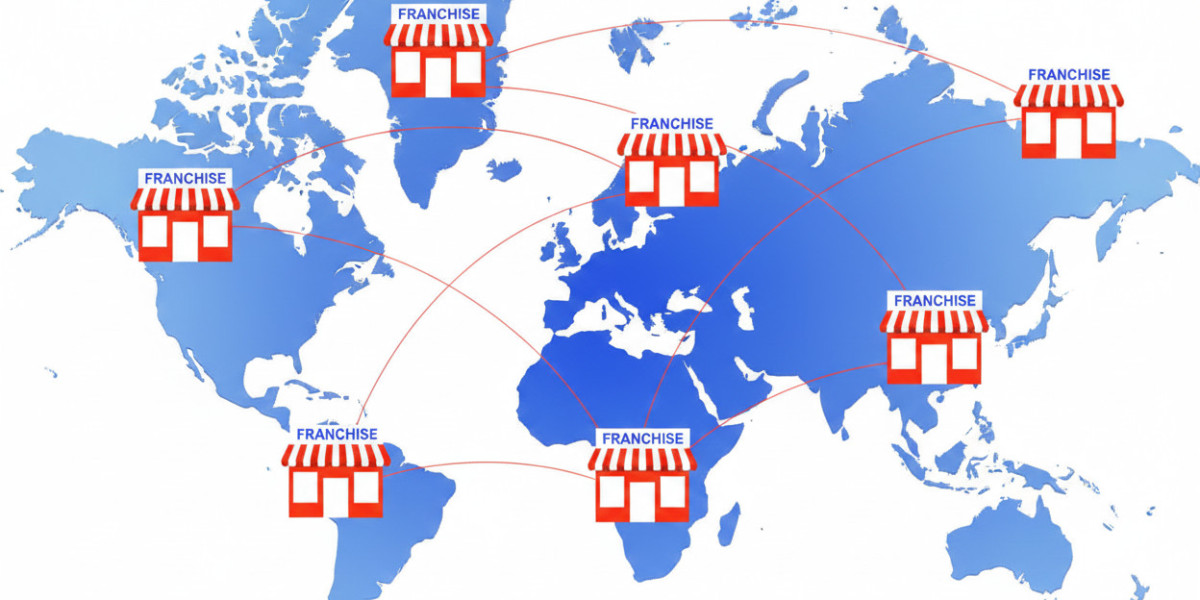

Running a franchise is like running many small businesses at once. Each location has its own sales, payroll, taxes, and vendors. That complexity makes accounting harder. The right software turns that complexity into clear, repeatable workflows. This guide explains what franchises need, how to choose software, implementation tips, pricing models, and whether Autymate can help your franchise scale its financial operations.
Why franchises need specialized accounting software
Franchises face unique problems that single-location businesses rarely see:
Multiple legal entities and bank accounts.
Daily POS transactions across many sites.
Royalty and fee calculations between franchisee and franchisor.
Different state payroll and tax rules.
Need for consistent reporting and fast consolidation.
General small-business accounting tools often lack multi-entity features and robust integrations. For franchise networks, automation and standardization are the keys to scaling without breaking finance.
Must-have features for franchise accounting software
When you evaluate vendors, prioritize features that reduce manual work and enforce consistency:
Multi-entity consolidation — roll up data from many locations into one consolidated set of books.
Standard chart of accounts enforcement — push templates to franchisees so everyone reports the same way.
POS and payments integrations — daily sales, tips, refunds, and fees must map automatically to the GL.
Automated journal creation — minimize manual journal entries and speed month-end close.
Royalty and intercompany management — calculate and post royalties and intercompany invoices automatically.
Payroll and HR connectors — ensure payroll journals arrive cleanly into accounting.
Role-based access and audit trails — give franchisors and franchisees the right visibility.
Real-time dashboards and KPIs — same-store sales, margins, and royalty receipts at a glance.
Scalable support and onboarding — training and vendor support for rollouts to dozens or hundreds of locations.
These features reduce errors, save time, and give franchisors the control they need.
How to choose: a short checklist
Before demoing vendors, get clarity on these items:
Number of locations and legal entities now and in 12 months.
Current POS, payroll, and CRM systems that must integrate.
Historical data that needs migration.
Which KPIs matter to franchisor and franchisee.
Internal team capacity for rollout and training.
Budget for software plus implementation and support.
Bring this checklist to vendor demos. It forces apples-to-apples comparisons.
Implementation best practices
A good implementation plan reduces surprises. Follow these steps:
Standardize your chart of accounts first. That single step saves weeks of mapping later.
Pilot with a few locations. Test POS and payroll integrations in a controlled setting.
Automate mappings early. Map POS → GL rules before onboarding more stores.
Train franchisees and accountants. Provide concise guides and a few short recorded demos.
Monitor performance for 90 days. Use weekly scorecards to catch data issues.
Document exceptions and edge cases. For example, refunds, voids, and gift-card flows.
A phased rollout prevents small issues from becoming network-wide headaches.
Pricing models you’ll typically see
Vendors usually price one of these ways:
Per-location pricing. Simple for big networks with similar units.
Per-transaction pricing. Common when the vendor processes many journal entries automatically.
Seat-based pricing. Useful when only a handful of users need access.
Tiered packages. Basic to enterprise tiers with different integrations and SLAs.
Always ask for a full 12–24 month total cost of ownership (TCO). Include implementation, migration, support, and any third-party connector fees.
Common pitfalls and how to avoid them
Underestimating integrations. POS and payroll connectors require testing. Plan time for it.
Skipping the pilot. Full rollouts amplify small errors. Pilot first.
Ignoring franchisee training. A technically correct system fails if users don’t adopt it.
Choosing a system with weak reporting. If you can’t get your KPIs, you lose control.
Mitigate these risks by planning for training, testing, and a staged rollout.
Autymate — does it provide franchise accounting services?
Short answer: Yes. Autymate offers accounting automation solutions aimed at multi-location businesses and franchises. The company advertises franchise-specific automation that syncs POS systems to QuickBooks and other accounting platforms. Autymate also promotes payroll integrations, transaction import tools, and centralized dashboards for decision-quality data.
What Autymate offers for franchises
Franchise automation workflows. Autymate markets pre-built automation to standardize reporting across franchisees. These workflows aim to enforce a consistent chart of accounts and produce consolidated reporting.
POS → QuickBooks integrations. The platform supports mapping daily POS transactions directly into QuickBooks (Online and Desktop), reducing manual journal entries. This is a core capability for franchise accounting.
Transactions product for QuickBooks. Autymate’s “Transactions” tool helps import, edit, and manage thousands of QuickBooks transactions quickly. That makes high-volume transaction processing practical for multi-location businesses.
Payroll and HR connectors. Autymate advertises “plug-and-play” payroll integrations. These connectors move payroll data into accounting cleanly, which is vital for multi-state franchises.
Dashboards and real-time KPIs. The solution claims to consolidate operational and financial data into dashboards and scorecards. That visibility helps franchisors monitor same-store sales and royalty flows.
Case studies and references. Autymate publishes case studies showing franchise rollouts and standardizing charts of accounts across locations. These case studies indicate practical experience with franchise clients.
Pros and cons of using Autymate
Pros
Tailored franchise automation and templates.
Direct QuickBooks transaction tools to manage high volumes.
Payroll and HR integration capabilities.
Published case studies and support resources.
Considerations
Implementation scope depends on your POS and payroll systems. Expect custom mapping work.
Pricing for enterprise-level automation is often custom. Ask for an itemized TCO.
Check data export and ownership policies to avoid vendor lock-in.
How to evaluate Autymate in a demo
If you schedule a demo with Autymate, make these requests:
Show a live POS → GL flow for one location. Verify sales, tips, and refunds map correctly.
Demonstrate roll-up reporting across several locations. Ask how consolidations are handled.
Run a payroll integration to show how payroll journals post and reconcile.
Request a pilot for 1–3 locations with real data. A short pilot exposes edge cases.
Ask for reference customers in your industry or vertical. Case studies help.
Get a detailed TCO that lists implementation, support, and connector costs.
A demo that tests real data is the best way to validate claims.
Quick checklist before you commit
Does the vendor support your POS and payroll systems?
Can they enforce a standard chart of accounts?
What is the expected time to value (pilot → full rollout)?
How are errors and exceptions handled? Who owns the fix?
What data access and export options are available?
Can the vendor provide SLA-backed support for rollouts?
Ask these in writing during procurement.
Final thoughts
Franchise accounting demands automation, standardization, and strong integrations. The right software reduces manual work, speeds month-end, and gives franchisors actionable visibility. Autymate is one vendor that specifically targets franchise accounting problems. It offers POS-to-QuickBooks integrations, transaction import tools, payroll connectors, dashboards, and franchise-focused automation. Those capabilities make it a reasonable candidate for franchises that need to scale financial operations quickly.