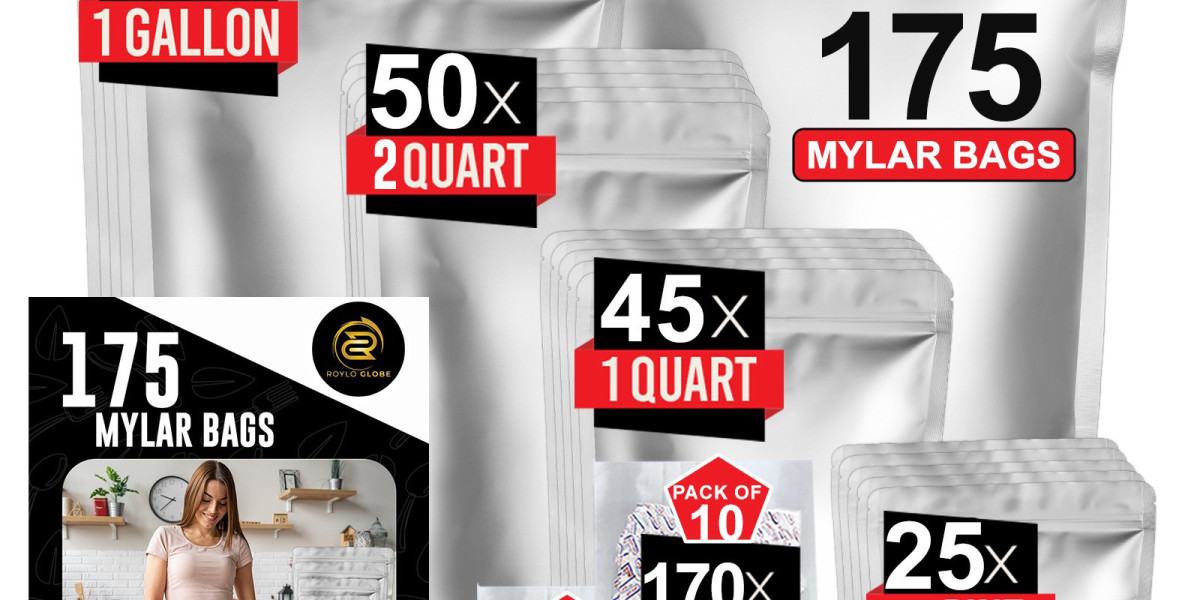

DTF printing has changed how small businesses approach custom packaging. If you want a flexible and affordable way to decorate Mylar bags, DTF is worth serious attention. Many brands that sell storage products and food packaging now use this method for 1 Gallon Mylar Bags because it allows strong prints without expensive industrial machines.
If you are learning how to print on Mylar bags using DTF, this guide explains everything step by step. You will learn what DTF is, how it works on Mylar, what tools you need, and how brands like Roylo Globe ensure clean and long-lasting results.
What is DTF Printing?
DTF stands for Direct to Film. Instead of printing directly on the product, the design is printed on a special film first. That film is then transferred onto the surface using heat and pressure.
This method works well on many materials, including Mylar. Since Mylar is smooth and non-porous, DTF solves the biggest challenge by letting the ink bond through adhesive instead of absorption.
Why Use DTF for Printing on Mylar Bags?
DTF offers several advantages over direct printing.
It does not require specialty Mylar printers.
It allows bright colors and detailed designs.
It works well for short runs and custom orders.
For businesses printing 1 Gallon Mylar Bags , DTF is ideal when designs change often or when you want professional results without high startup costs.
Can You Use DTF on Mylar Bags Safely?
Yes, you can. But technique matters.
Mylar can warp under excessive heat. That means temperature control is critical. When done correctly, DTF transfers adhere well and remain durable during handling and storage.
This is why professional workflows, like those followed by Roylo Globe , focus on testing heat settings before full production.
What You Need to Print on Mylar With DTF
Before starting, you need the right tools.
DTF Printer
A DTF printer prints designs onto transfer film using special inks. White ink capability is important. It helps designs stand out on metallic or colored Mylar.
DTF Transfer Film
This is the film that carries the design. Always use high-quality film for clean transfers and strong adhesion.
DTF Ink
DTF ink is designed to stay flexible and durable. It bonds well with adhesive powder and resists damaging.
Adhesive Powder
After printing, adhesive powder is applied to the design. This is what allows the transfer to stick to the Mylar surface.
Heat Press
A heat press applies the transfer to the Mylar bag. Adjustable temperature and pressure are essential.
How to Print on Mylar Bags With DTF Step by Step
Here is the full process explained simply.
First, create your design using design software. Keep text bold and spacing clean. Thin lines may not transfer well.
Second, print the design on DTF film. Print in reverse. Apply white ink where needed.
Third, apply adhesive powder evenly over the wet ink. Shake off excess powder.
Fourth, cure the powder. This is usually done with heat at a controlled temperature. Avoid overheating.
Fifth, position the transfer on the Mylar bag. Make sure the surface is clean and flat.
Sixth, press using a heat press. Use lower heat than fabric printing. Apply even pressure.
Finally, peel the film according to film type. Some films peel hot. Others peel cold.
Best Heat Settings for Mylar DTF Printing
Heat settings vary by equipment, but lower heat is always safer for Mylar.
Too much heat can cause:
Warping
Wrinkling
Loss of bag shape
Always test on one bag before full production. This step saves time and money.
Does DTF Work Well on 1 Gallon Mylar Bags?
Forks. 1 Gallon Mylar Bags are actually easier to work with because they offer more flat surface area. This makes alignment easier and improves final appearance.
DTF prints sit on the surface instead of soaking in. That means branding remains clear even after long-term storage.
This is one reason DTF is gaining popularity for storage and bulk packaging.
Design Tips for DTF Printing on Mylar
Simple designs work best.
Avoid ultra-small text.
Use strong contrast colors.
Leave space around edges.
Metallic Mylar reflects light, so darker colors usually appear sharper. Always test colors before final production.
Common Mistakes to Avoid When Using DTF on Mylar
One mistake is using fabric heat settings. Mylar needs lower heat.
Another issue is uneven pressure. This causes partial adhesion.
Skipping test runs is also common. Professional brands like Roylo Globe never skip testing. They adjust temperature and pressure until results are consistent.
DTF vs Direct Printing on Mylar Bags
DTF is more flexible for small batches.
Direct printing is better for large-scale production.
DTF does not require expensive printers. Direct printing does.
Many businesses start with DTF and later move to direct printing as volume increases.
Is DTF Printing Durable on Mylar Bags?
Yes, when done correctly.
DTF prints resist smudging and light moisture. They are suitable for storage and retail handling. However, they are not ideal for extreme abrasion or folding over the printed area.
For most packaging needs, durability is more than sufficient.
How Roylo Globe Uses DTF for Mylar Packaging
At Roylo Globe , DTF is used for short-run customization and prototype packaging. Heat settings are carefully controlled. Designs are tested for adhesion and appearance.
This balanced approach ensures flexibility without sacrificing quality.
Final Thoughts: Is DTF a Good Choice for Printing on Mylar?
DTF is one of the most accessible ways to customize Mylar bags today. It works well for small businesses, fast production, and creative branding.
If you are learning how to print on Mylar bags and want a method that does not require industrial equipment, DTF is a strong option.
For brands working with 1 Gallon Mylar Bags , DTF offers control, speed, and professional results when done correctly.
Ubicación del Autor
1223 Desmond Ct, 3rd Floor, Brooklyn, NY 11235, USA