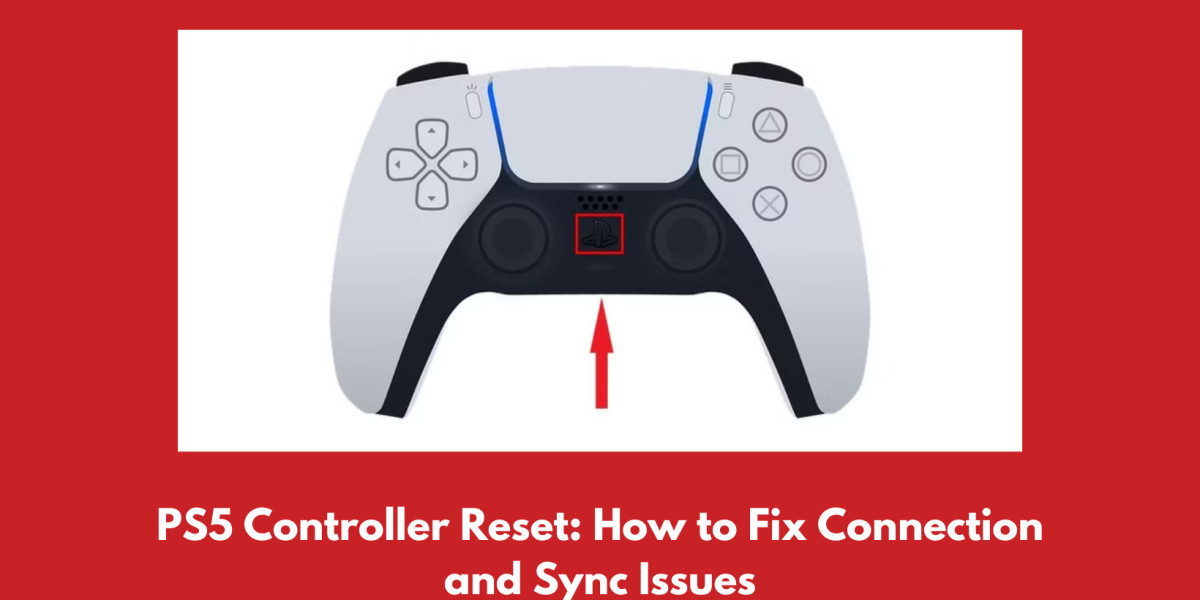

If you are experiencing constant issues with your PS5 controllers, then resetting the controller might be the best option for you. A PS5 controller reset allows you to start the controller once again.
Performing a PS5 Hardware reset
A hardware reset may be an option for the notorious PS5 controller joystick drift bug. This method of resetting is by pressing a small reset button that is placed on the back of the controller with a small tool (for instance, a pin or SIM eject tool).
Before proceeding with the above-mentioned steps, please ensure that the console is switched off.
Using a pointed little tool, press the reset button and keep holding it for a few seconds.
After pressing the reset button, use a USB cable to reconnect the controller to the console, and then switch on the console to finish the resetting operation.
Resetting the PS5 Controller in Safe Mode
If you need to troubleshoot your issue, consider using the safe mode of your PS5. Safe mode will boot up your console with only the bare essentials and provide you with options for amending and restoring your system, which will also eliminate some common bugs related to controllers.
To put your controller in safe mode, start by turning off the console first.
After this, you need to hold the power button to restart the device. Keep holding the button until you hear a second beep.
Lastly, connect the controller using a USB cable and stick to the instructions on-screen to complete the process of how to reset PS5 controller.