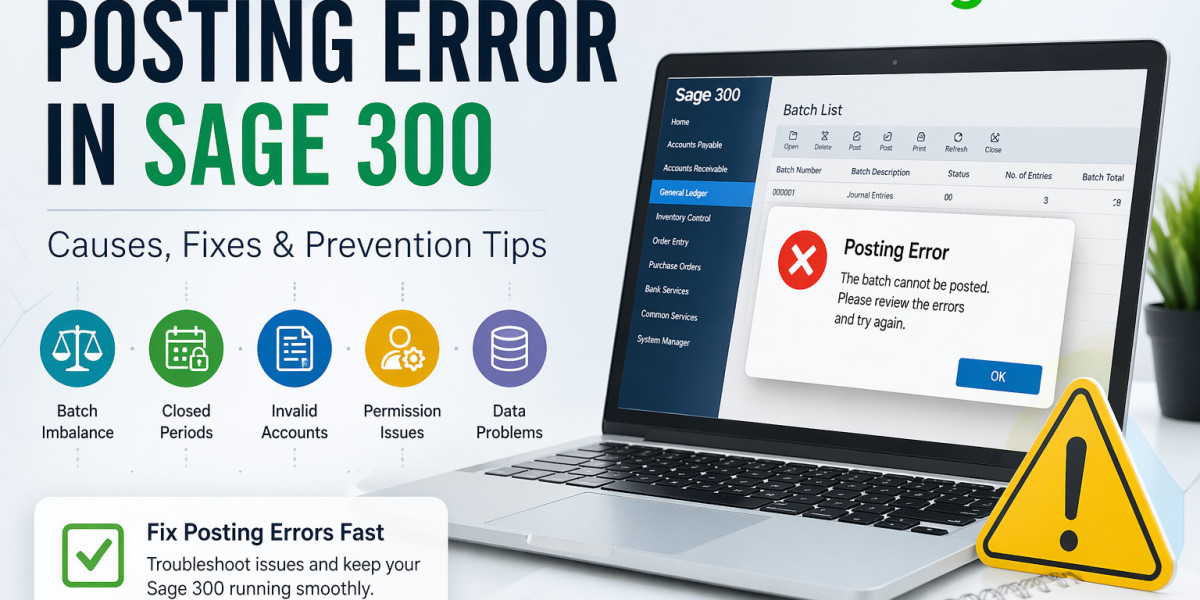

If your business relies on Sage 300 for accounting and ERP operations, encountering a posting error can interrupt workflows, delay reporting, and create unnecessary stress. Posting errors in Sage 300 are common but usually manageable once you understand their root causes.
In this blog, we’ll explain what posting errors in Sage 300 mean, why they happen, and how to fix them efficiently.
What Is a Posting Error in Sage 300?
A posting error occurs when Sage 300 fails to transfer entered transactions into the General Ledger or related modules such as Accounts Payable, Accounts Receivable, Inventory Control, or Order Entry.
Instead of successfully updating records, the system stops the process and may display an error message.
These errors can happen during:
- Invoice posting
- Batch posting
- Payment processing
- Journal entries
- Inventory adjustments
- Payroll entries
Common Causes of Posting Errors in Sage 300
Understanding the cause is the first step toward resolution.
1. Batch Is Out of Balance
One of the most frequent reasons is when debits and credits do not match in a batch.
Example:
A journal batch with unmatched entries will fail during posting.
2. Fiscal Period Is Locked or Closed
If you are trying to post into a closed fiscal period, Sage 300 will reject the transaction.
3. Missing or Invalid G/L Accounts
Transactions linked to deleted, inactive, or incorrect general ledger accounts often trigger posting failures.
4. Database Connectivity Issues
If the connection to SQL Server or database services is interrupted, posting may stop midway.
5. User Permissions Restrictions
Some users may have access to enter transactions but not permission to post them.
6. Corrupted Batch or Data Integrity Problems
Damaged records or incomplete batches can prevent Sage 300 from processing entries properly.
Common Posting Error Messages in Sage 300
Users may encounter messages such as:
- Cannot Post Batch
- Batch Contains Errors
- Account Does Not Exist
- Fiscal Period Closed
- Posting Sequence Error
- Database Timeout During Posting
These messages usually point to the specific issue needing correction.
How to Fix Posting Errors in Sage 300
Step 1: Review the Error Message
Always note the exact wording of the error. It often identifies the source module or problem.
Step 2: Check Batch Details
Open the batch and verify:
- Debit = Credit
- Correct dates
- Valid accounts
- No duplicate entries
Step 3: Verify Fiscal Calendar
Ensure the fiscal year and posting period are open.
Step 4: Run Data Integrity Checks
Use Sage 300 built-in data integrity tools for affected modules.
Step 5: Confirm User Rights
Check whether the user has permission to post transactions.
Step 6: Recreate the Batch
If the batch appears corrupted, delete it (after backup) and recreate it.
Step 7: Restart Services
Sometimes restarting Sage services, SQL services, or workstation sessions resolves temporary posting issues.
Advanced Troubleshooting for IT Teams
If standard fixes do not work:
- Check SQL Server logs
- Review Sage 300 error logs
- Reindex tables if required
- Restore damaged data from backup
- Install latest Sage 300 product updates
How to Prevent Posting Errors in Sage 300
To reduce future posting problems:
Use Batch Verification
Always verify batches before posting.
Maintain User Training
Ensure staff understand posting rules and transaction workflows.
Keep Fiscal Periods Organized
Close periods only after confirming all transactions are complete.
Schedule Database Maintenance
Regular backups, indexing, and integrity checks help avoid system issues.
Install Updates
Use the latest Sage 300 patches and updates.
When to Contact Sage 300 Support
Seek expert help when:
- Errors repeat frequently
- Posting freezes the system
- Data becomes inconsistent
- Multiple modules are affected
- Database corruption is suspected
Final Thoughts
Posting errors in Sage 300 can slow down accounting operations, but most are caused by balance issues, invalid accounts, permission restrictions, or closed periods. With a structured troubleshooting approach, these issues can usually be resolved quickly.
Proactive maintenance, user training, and regular system checks are the best ways to keep Sage 300 posting processes smooth and error-free.
Ubicación del Autor
Boston, MA, USA